

Trusted where it
matters most
Rural providers are often the sole health resources for their communities—that’s why our platform was designed, and is trusted, to meet your needs and the needs of your patients.

More than a
platform—a partner
With Azalea Health, we are not just your EHR provider, we are a resource and a partner you can rely on. We’re just a call or click away whenever you need us.

Guided by a
singular vision
The Azalea Health platform is purpose-built to create one record of truth for each patient—enabling providers to be informed and intentional with their care.

Focused on what’s important
We make technology invisible so providers can be more present.
100% cloud-based
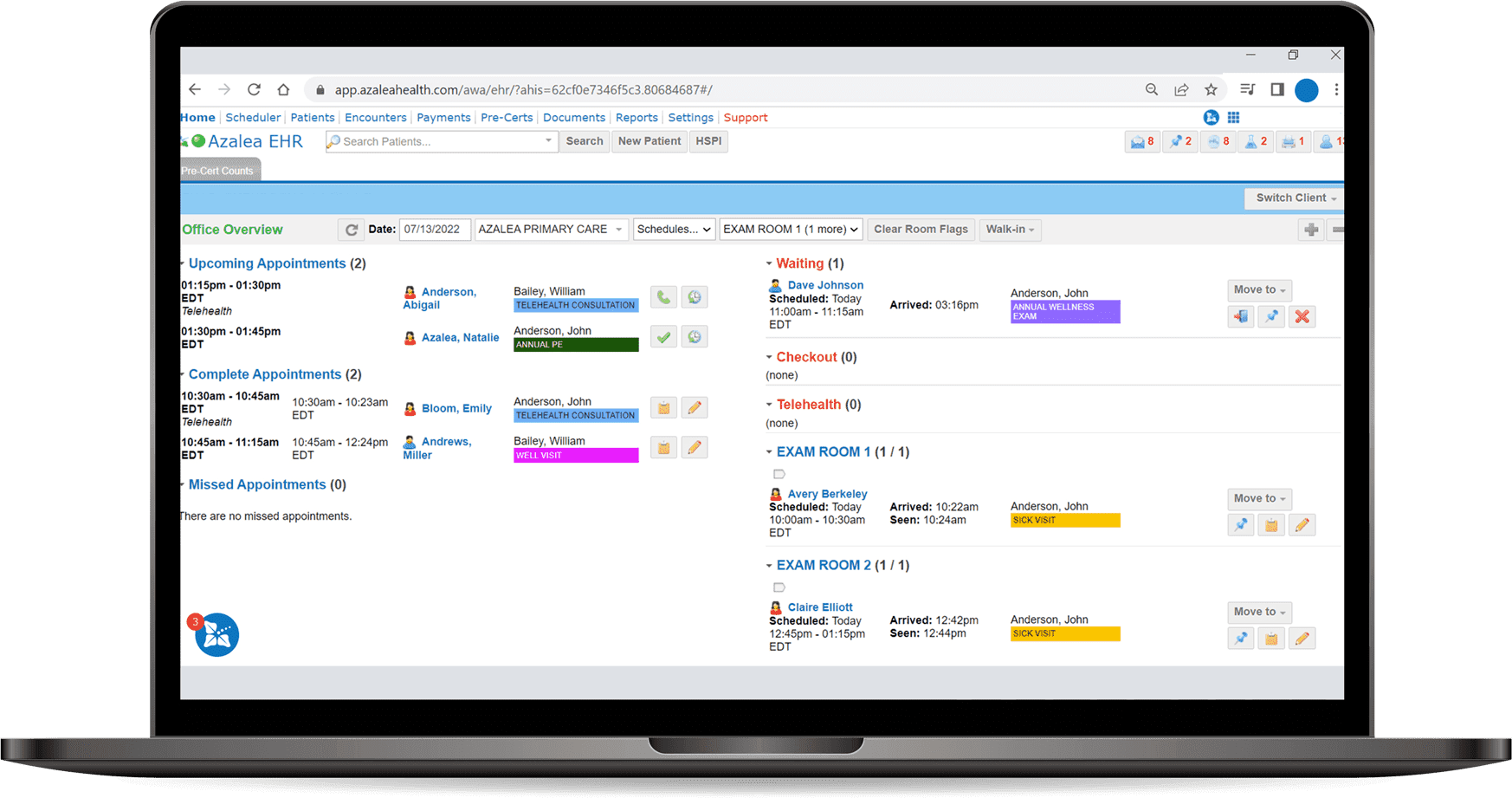
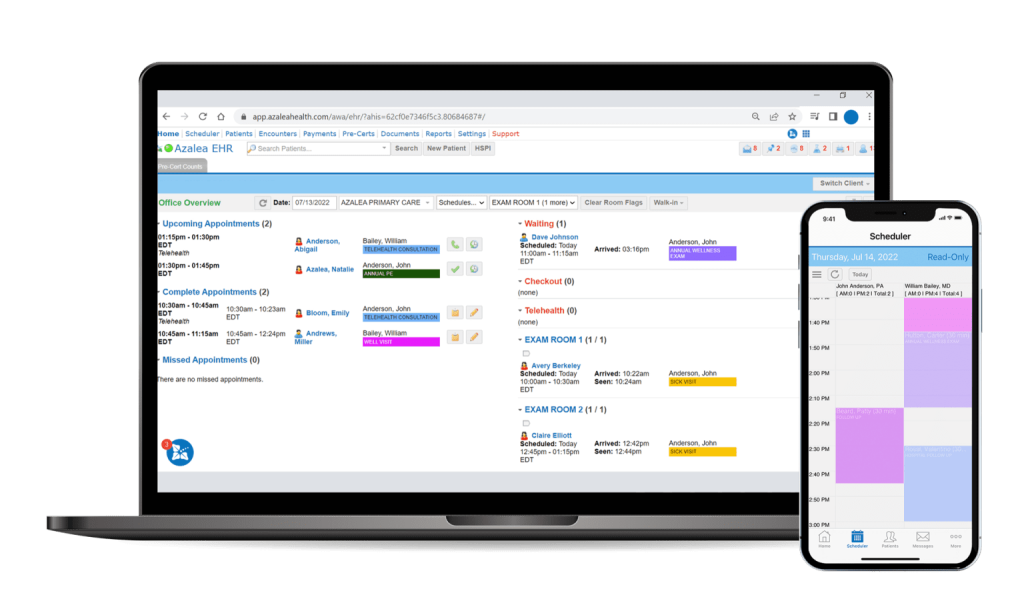
Our secure 100% cloud-based platform accelerates the impact of care and future-proofs your hospital or clinic.
Simple and seamless
Our platform streamlines the way care is delivered, enhancing your patient’s experience- while minimizing time spent charting after hours.
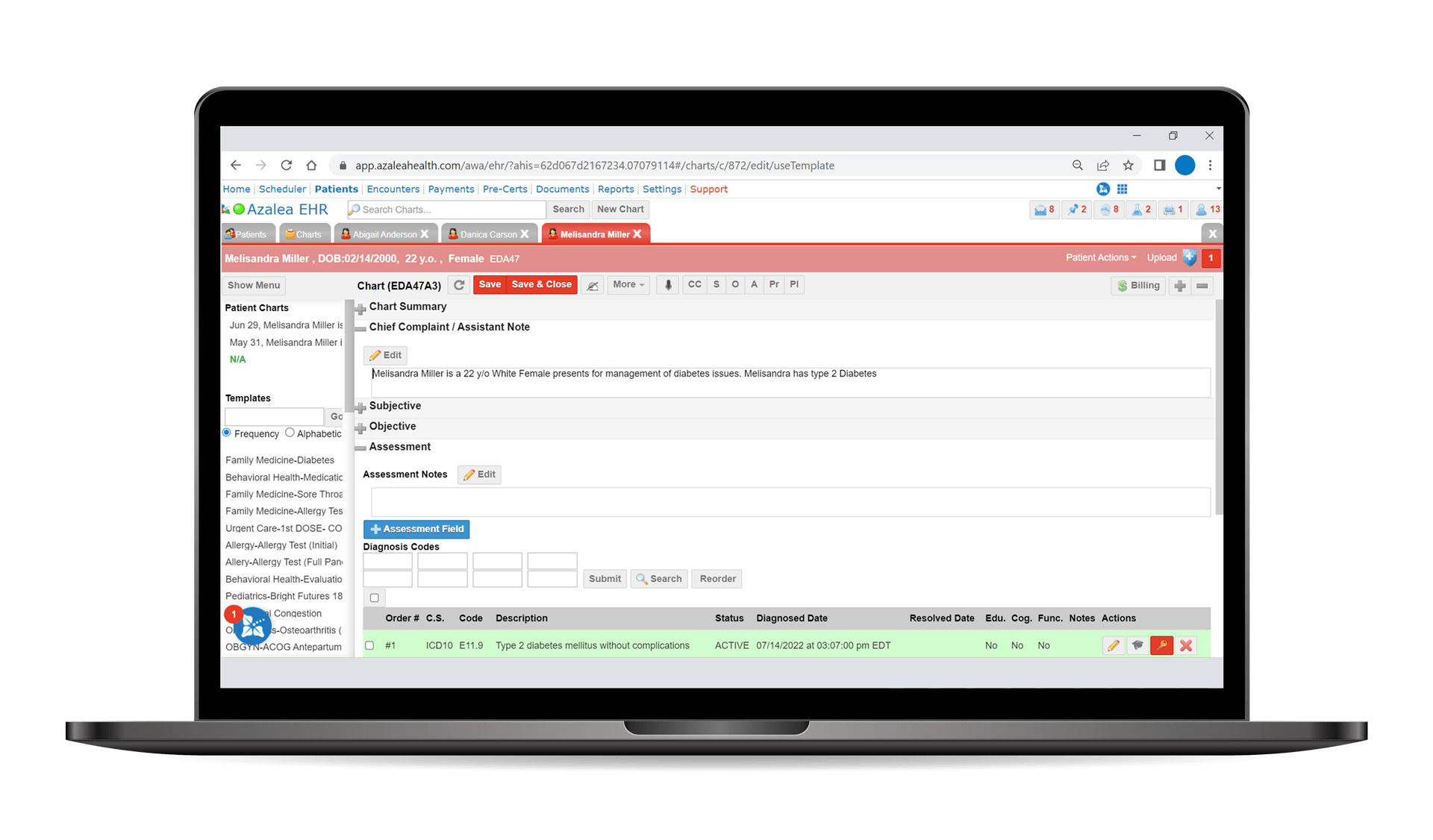
Unify patient data into a single, efficient record of truth that translates across all components of our platform—meaning your team is always in the know when it comes to your patients’ care.
Learn More
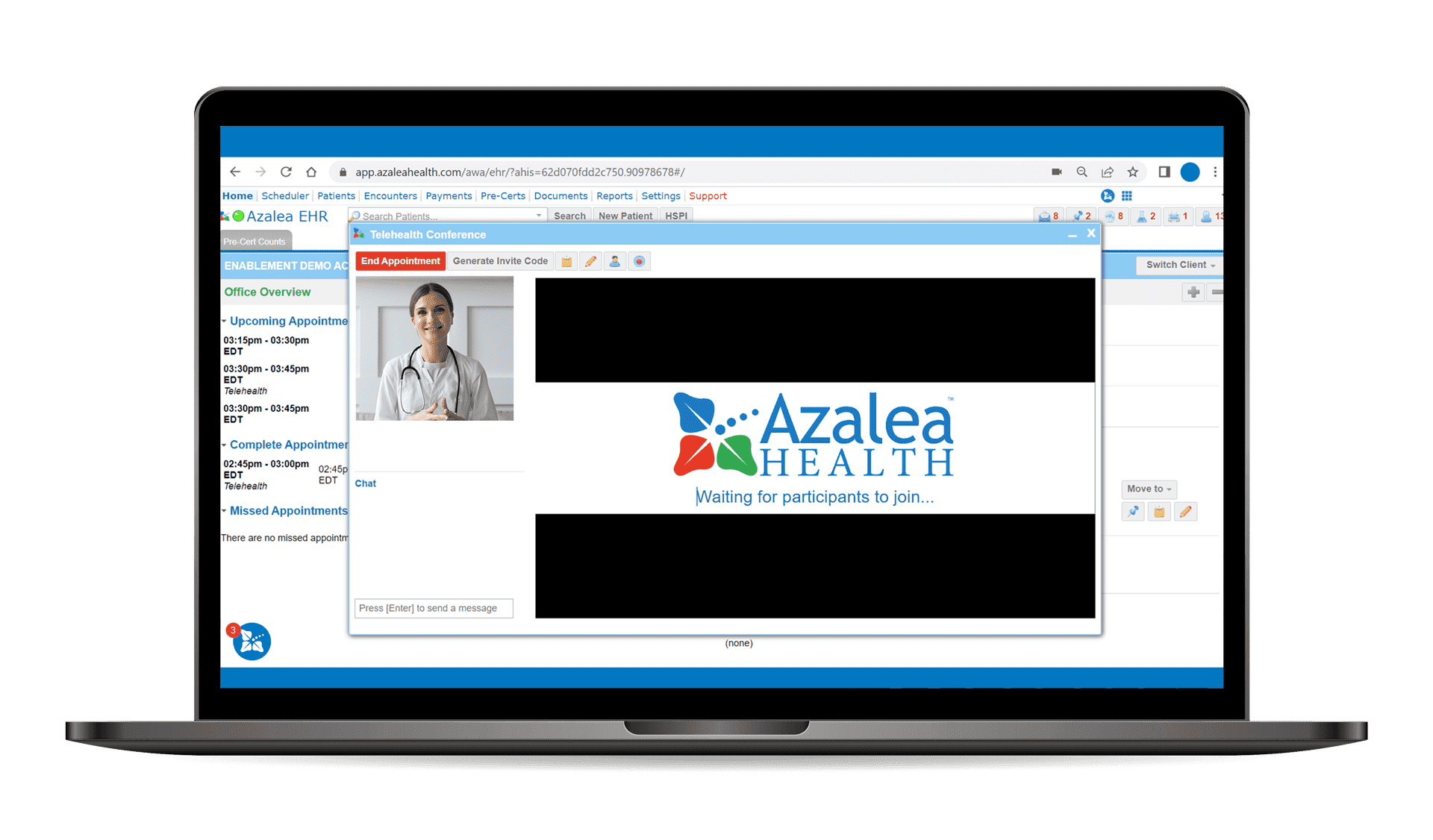
Distance shouldn’t be a barrier to care. With telehealth, it isn’t. Our telehealth solution seamlessly integrates into our platform to power meaningful connections to patients—no matter where they are.
Learn More
Azalea Health started as a billing company so we know how essential it is to post payments quickly and get claims out the door. Azalea Health’s Practice Management and RCM software was built to accelerate those processes, including posting payments nearly one minute faster than the industry average.
Learn More
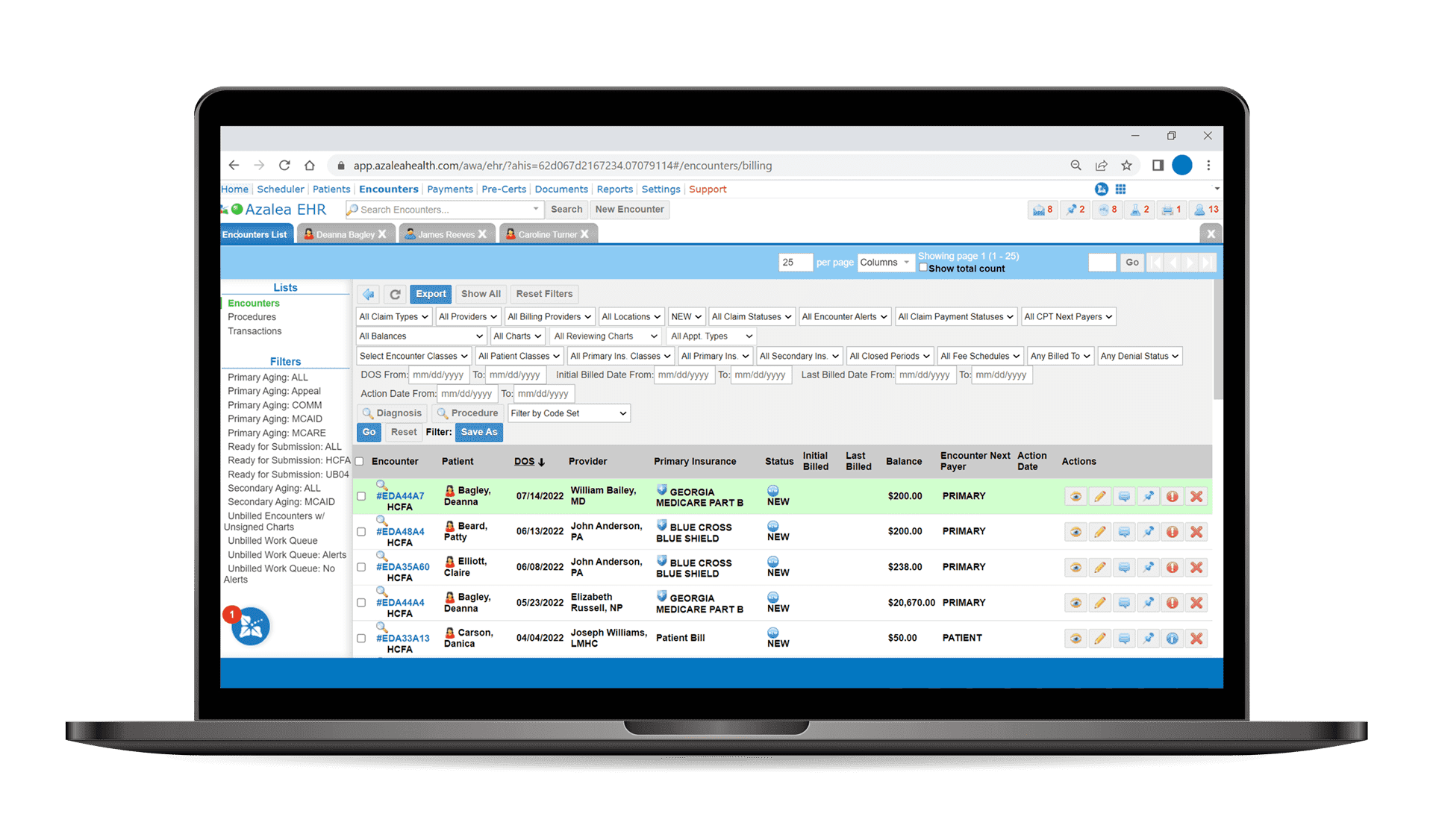




With a single, easily-accessible platform designed to unify the clinical, financial, and operational sides of care, we can help create a seamless patient journey by making it more efficient for all involved.
While others focus solely on business intelligence, we champion provider intelligence. Our platform is purpose-built to create one record of truth—enabling a wealth of knowledge to empower a wealth of care.
By reducing the effort spent charting throughout all care settings, providers experience a more balanced work-life—more time spent with patients, reduced administrative tasks, and less time working from home.